DeepL::Write - check and edit texts via www.deepl.com
Overview
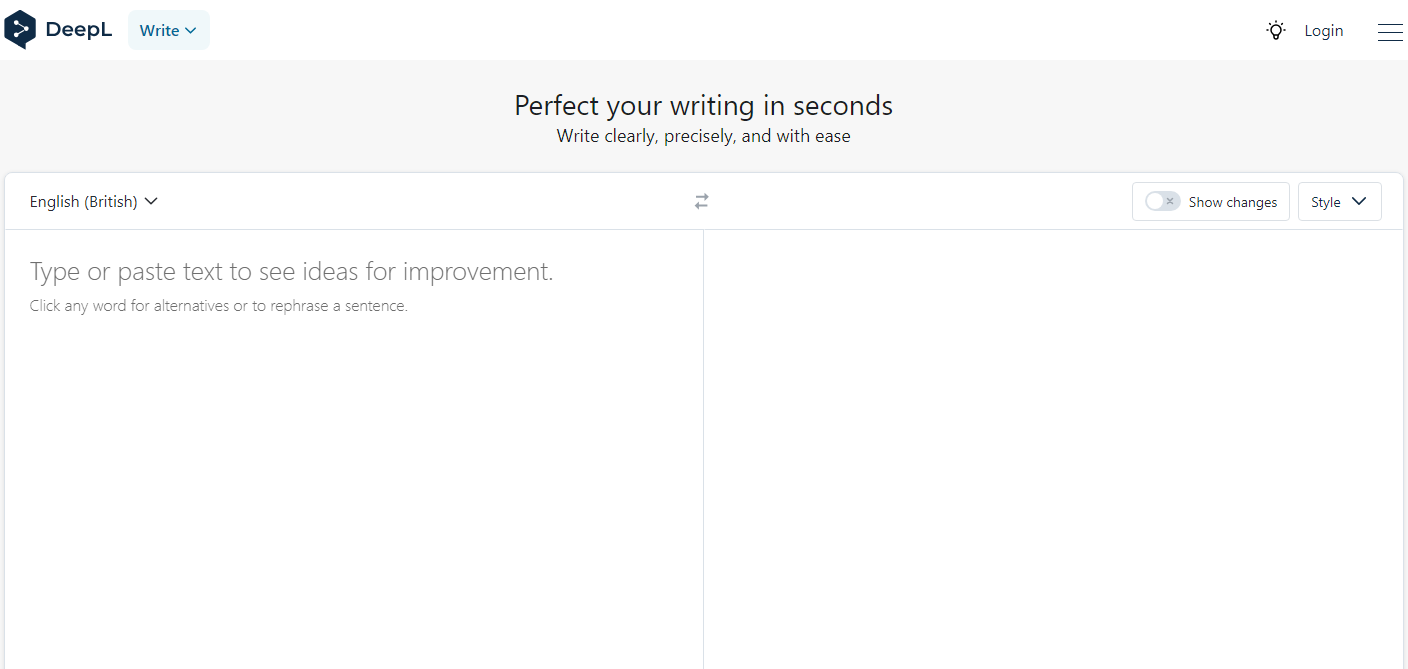
Fast, up to 1600 requests per minute, multi-threaded text editor via the DeepL service. This parser allows you to edit any volume of text in automatic mode. The parser automatically detects the source language of the content. DeepL Write is capable of processing colossal amounts of text while consuming minimal resources.
Collected data
- Edited text
- Source text language
Capabilities
- Choice of editing language
- Automatic language detection
Use cases
- Text editing
- Text deduplication
Queries
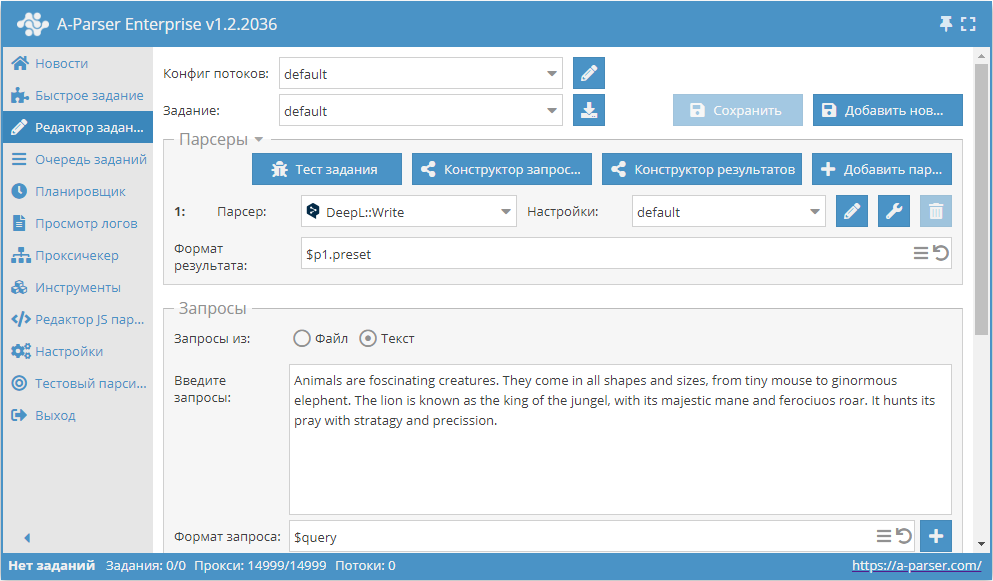
Any text for editing should be specified as queries, for example:
Animals are foscinating creatures. They come in all shapes and sizes, from tiny mouse to ginormous elephent. The lion is known as the king of the jungel, with its majestic mane and ferociuos roar. It hunts its pray with stratagy and precission.
Output results examples
A-Parser supports flexible result formatting thanks to the built-in Template Toolkit, which allows it to output results in any form, as well as in structured formats like CSV or JSON
Default output
Result format:
$corrected\n
Result example:
Animals are fascinating creatures. They come in all shapes and sizes, from the tiny mouse to the gigantic elephant. The lion is known as the king of the jungle, with his majestic mane and ferocious roar. Er jagt seine Beute mit Strategie und Präzision.
Outputting a specific language and edited text to a CSV table
Result format:
[% tools.CSVline(detected, corrected) %]
Result example:
"Animals are fascinating creatures. They come in all shapes and sizes, from the tiny mouse to the gigantic elephant. The lion is known as the king of the jungle, with his majestic mane and ferocious roar. Er jagt seine Beute mit Strategie und Präzision."
Saving in SQL format
Result format:
[% "INSERT INTO text VALUES('" _ query _ "', '"; detected _ "', '"; corrected _ "')\n"; %]
Result example:
INSERT INTO text VALUES('Animals are fascinating creatures. They come in all shapes and sizes, from the tiny mouse to the gigantic elephant. The lion is known as the king of the jungle, with its majestic mane and ferocious roar. It hunts its prey with strategy and precision.', 'EN', 'Animals are fascinating creatures. They come in all shapes and sizes, from the tiny mouse to the gigantic elephant. The lion is known as the king of the jungle, with its majestic mane and ferocious roar. It hunts its prey with strategy and precision.')
Dump results to JSON
General output format:
[% IF notFirst;
  ",\n";
ELSE;
  notFirst = 1;
END;

obj = {};
obj.query = query;
obj.detected = p1.detected;
obj.corrected = p1.corrected;

obj.json %]
Initial text:
[
Final text:
]
Result example:
[{"corrected":"Animals are fascinating creatures. They come in all shapes and sizes, from the tiny mouse to the gigantic elephant. The lion is known as the king of the jungle, with its majestic mane and ferocious roar. It hunts its prey with strategy and precision.","query":"Animals are fascinating creatures. They come in all shapes and sizes, from the tiny mouse to the gigantic elephant. The lion is known as the king of the jungle, with its majestic mane and ferocious roar. It hunts its prey with strategy and precision.","detected":"EN"}]
To make the "Initial text" and "End text" options available in the Task Editor, you need to activate "More options".
Possible settings
| Parameter | Default value | Description |
|---|---|---|
| Language | English (British) | Editing language (in some cases translates text to the specified language) |
| Writing style | Writing style | |
| Text style | Text style | |
| Only corrections | ☐ | Correction only |