HTML::ArticleExtractor - Article parser
Overview of the parser
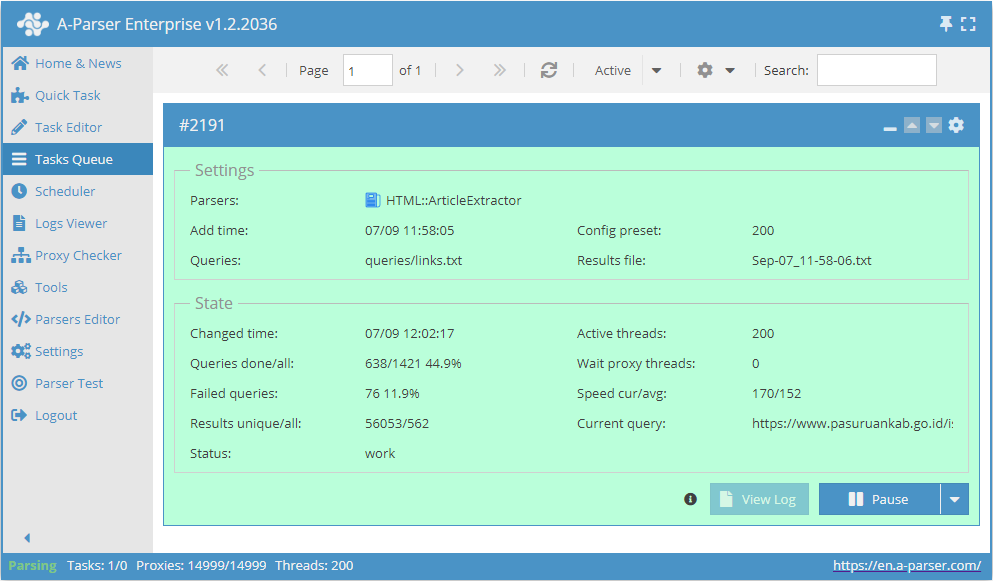
 HTML::ArticleExtractor extracts articles from web pages.
It works using the @mozilla/readability module, which is built into A-Parser and collects such basic data as: title, content with and without HTML markup, and article length.
It is based on the  Net::HTTP parser, which allows it to support its functionality. Supports multi-page parsing (pagination). Has built-in tools to bypass CloudFlare protection and also the ability to choose Chrome as an engine for parsing emails from pages where data is loaded by scripts.
Capable of reaching speeds up to 200 requests per minute – which is 12 000 links per hour.
Collected data
- Article title -
$title - HTML string of the processed article content -
$content - Text content of the article (all HTML removed) -
$textContent - Article length in characters -
$length - Article description or a short excerpt from the content -
$excerpt - Author metadata -
$byline - Site name -
$siteName
Capabilities
- Multi-page parsing (pagination)
- Supports gzip/deflate/brotli compression
- Detection and conversion of website encodings to UTF-8
- Bypassing CloudFlare protection
- Choice of engine (HTTP or Chrome)
- Ability to set article length
- Parsing articles with and without HTML tags
Use cases
- Collecting ready-made articles from any websites
Queries
As queries, you must specify links to the pages from which you need to parse articles, for example:
https://a-parser.com/docs/
https://lenta.ru/articles/2021/09/11/buran/
https://www.thetimes.co.uk/article/the-russian-banker-the-royal-fixers-and-a-500-000-riddle-vvgc55b2s
Output results examples
A-Parser supports flexible result formatting thanks to the built-in Template Toolkit, which allows it to output results in an arbitrary form, as well as in structured formats such as CSV or JSON
Possible settings
Common settings for all parsers
Supports all settings of the Net::HTTP parser.