SE::Bing - Bing search engine results parser
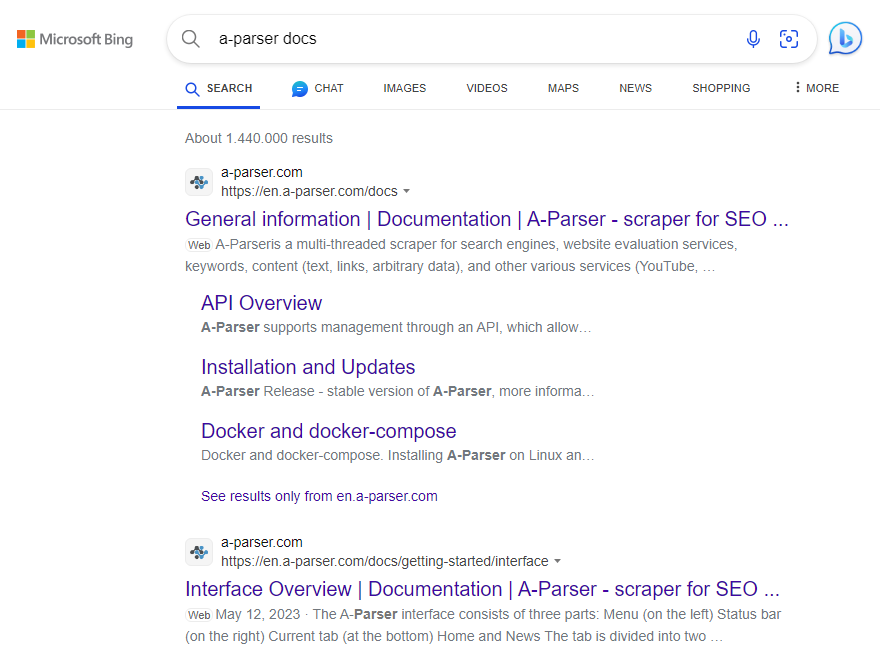
Bing parser overview
Bing search results parser. Thanks to the SE::Bing parser, you will be able to obtain huge databases of links ready for further use. You can use queries in the same form as you enter them in the Bing search bar, including search operators (contains, intitle, language, site, etc.). More details on the official Advanced search keywords page.
A-Parser functionality allows you to save Bing parser settings for future use (presets), set a parsing schedule, and much more. You can use automatic query multiplication, substitution of subqueries from files, brute-forcing of alphanumeric combinations and lists to get the maximum possible number of results.
Saving results is possible in the form and structure you need, thanks to the built-in powerful Template Toolkit templating engine, which allows you to apply additional logic to the results and output data in various formats, including JSON, SQL, and CSV.
Parser use cases
🔗 Parsing Bing search results
Parsing Bing with automatic query multiplication (Parse all results)
🔗 Parsing top 10 and tag content
Multi-level parsing. Parsing top 10 and the content of title and description tags for these sites
🔗 JS parser based on Bing parser
Creating JS parsers. Getting results from a standard parser
🔗 Parsing all results in Bing
Parsing with intelligent query substitution via Template Toolkit and tools.query.add
🔗 Deduplication in Bing
Parsing unique URLs by keyword with deduplication by domain, with the ability to specify the maximum number of URLs per domain
🔗 Multiple parsers in a preset
The preset shows an example of using multiple parsers
Collected data
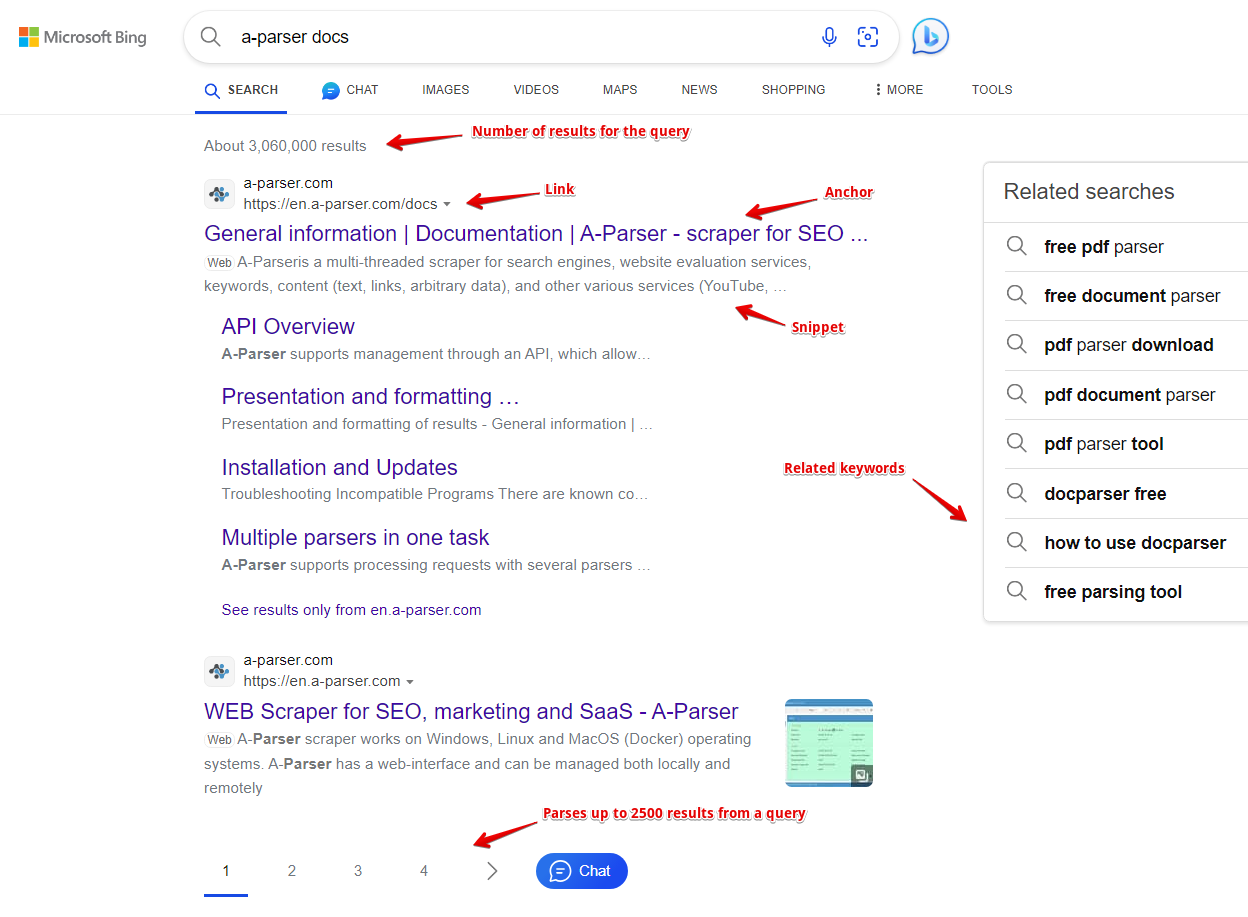
- Number of results for the query
- Links, anchors, and snippets from search results
- List of related keywords
- Links, visible links, anchors, snippets, and ad position from advertising results
Capabilities
- Support for all Bing search operators (site:, ip:, etc.). More details on search operators on the official Advanced search keywords page.
- Parses the maximum number of results provided by Bing - up to 200 pages of results
- Can automatically parse more than 1000 results per query - substitutes additional characters (Parse all results option)
- Ability to parse in depth by related keywords (Parse related to level)
- Ability to search for related keywords
- Ability to parse links to cached pages
- Ability to parse mobile search results
- Support for loading data when scrolling in mobile layout
The following parsers work based on the Bing parser:
 SE::Bing::Position - determining the positions of any sites in search results for a list of queries
Usage scenarios
- Collecting link databases - for A-Poster, XRumer, AllSubmitter, etc.
- Assessing competition for keywords
- Searching for backlinks (mentions) of sites
- Checking site indexing
- Searching for vulnerable sites
- Searching for sites on the same IP address
- Any other options involving Bing parsing in one form or another
Queries
As queries, you should specify search phrases exactly as if they were entered directly into the Bing search form, for example:
test
windows Moscow
site:http://lenta.ru
ip:222.36.12.12
Query substitutions
You can use built-in macros for query multiplication, for example, we want to get a very large database of forums, let's specify several main queries in different languages:
forum
forum
foro
论坛
In the query format, we will specify a character brute-force from a to zzzz; this method allows for maximum rotation of search results and obtaining many new unique results:
$query {az:a:zzzz}
This macro will create 475254 additional queries for each original search query, which in total will give 4 x 475254 = 1901016 search queries, an impressive figure, but it's not a problem at all for A-Parser. At a speed of 2000 queries per minute, such a task will be processed in just 16 hours.
Using operators
You can use search operators in the query format, so it will be automatically added to each query from your list:
site:$query
Output results examples
A-Parser supports flexible result formatting thanks to the built-in Template Toolkit templating engine, which allows it to output results in an arbitrary form, as well as in structured formats like CSV or JSON
Exporting a list of links
Links + anchors + snippets with position output
Outputting links, anchors, and snippets to a CSV table
Saving related keywords
Keyword competition
Checking link indexing
Saving in SQL format
Dumping results to JSON
Results processing
A-Parser allows processing results directly during parsing; in this section, we have provided the most popular cases for the Bing parser
Link deduplication
Link deduplication by domain
Extracting domains
Removing tags from anchors and snippets
Filtering links by inclusion
Possible settings
| Parameter name | Default value | Description |
|---|---|---|
| Pages count | 10 | Number of pages to parse (from 1 to 200) |
| Region | Based on IP | Region selection. List of regions. |
| Interface language | Any | Interface language selection. List of languages. |
| Safe Search | Moderate | Safe search option selection (Strict / Moderate / Off) |
| Device | Desktop | Search device selection (Desktop / Mobile) |
| Show inaccessible results | ☐ | Allows enabling the display of hidden results |
| Stop pagination by results count | 0 | Stopping pagination traversal when a specified number of results is reached. Works in addition to Pages count, parsing stops depending on what is reached first: the specified number of pages or the specified number of results. |